Forms

Create Interactive Forms that Do Anything

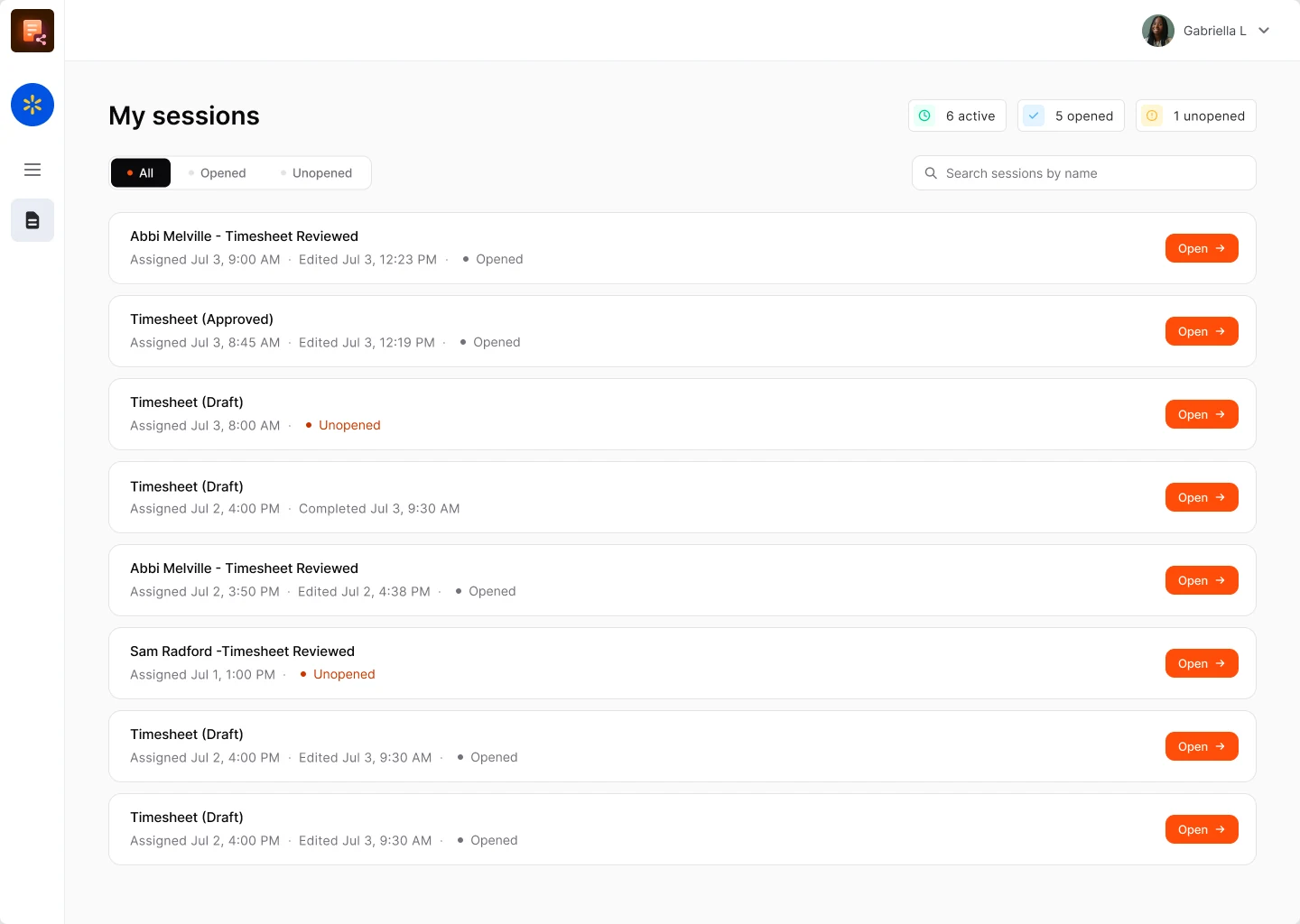
Build any custom form you need, send it as a link, and let responses trigger workflows inside your HR system. Perfect for custom training courses, pulse surveys, equipment request forms, and more.

Watch 4 min video
Onboarding Without the App

New Starters Send Their Details Before Day One

Forms are a great way to get new starters to send details like their address, next of kin and bank info. Everything they enter is saved to their new HR record before their first shift.

  • Works in any phone browser
  • No app or email account needed
  • Answers saved to the HR record
See onboarding for shift staff
Training Courses

Build Your Own Training Courses

Create short training courses and quizzes for inductions, toolbox talks and refreshers, and send them to staff as a link. Results are saved to each person's training record, with reminders when a refresher is due.

  • Induction and safety courses
  • Quizzes to check understanding
  • Results saved to training records
See HR compliance
  • Wellbeing SurveysSurveys and Pulse Checks for Every TeamSend short surveys and wellbeing checks to every team, on any phone, and see how people feel across sites and shifts, so you can spot problems early, before good people leave.
    • Surveys for every site and shift
    • Wellbeing and feedback checks
    • Results by team and location
    See recruitment and retention
  • Checklists and ReportsSite Checklists and Incident ReportsGive staff checklists for opening, closing and safety checks, and let them report incidents or near misses from their phone, with the time and place recorded.
    • Opening and closing checklists
    • Incident and near-miss reports
    • Time and place recorded
    See tasks on site
  • AutomationEvery Answer Triggers the Next StepAnswers are saved straight to the right record, and can start a workflow or trigger an action, such as: tell a manager, create a task, update a profile, or chase anyone who has not replied.
    • Answers saved to HR records
    • Managers notified automatically
    • Chasers for missing replies
    See automate HR admin

Let an expert show you what is possible with Forms

Book a free demo with one of our UK-based experts to see how forms work for your shift, site and field teams.

FAQ

Online Forms Questions

Browse these frequently asked questions about creating forms, surveys and training courses with Sense

What can I use online forms for in Sense?

Almost anything you would otherwise do on paper or by email: new starter details, custom training courses and quizzes, wellbeing and pulse surveys, equipment requests, site checklists, incident reports and more. Each answer is saved in Sense and can start the next step automatically.

Do staff need the Sense app to fill in a form?

No. Forms can be sent as a link that opens in any phone browser, with no app to download and no work email needed. Staff who already use the Sense app can fill them in there too.

Can I build my own forms without code?

Yes. Build forms, surveys, quizzes and checklists yourself in Sense, choosing the questions, fields and answer types you need, and reuse them as often as you like.

Can I create training courses and quizzes with Sense forms?

Yes. Build short courses and quizzes for inductions, toolbox talks and refresher training. Results are saved to each person's training record, and Sense can remind them when a refresher is due.

Can I run staff wellbeing and pulse surveys?

Yes. Send short surveys and wellbeing checks to every team on any phone, and see the results by team, site and shift, so you can spot problems early.

Where do form answers go?

Straight into Sense, saved to the right person's HR record, so nobody has to type answers up from paper or email.

Can a form trigger a workflow or action?

Yes. A submitted form can tell a manager, create a task, update a profile or chase anyone who has not replied, using the same workflows as the rest of Sense.

Can new starters fill in forms before their first day?

Yes. Send new starters a link to share their address, next of kin and bank details. Everything they enter is saved to their new HR record before their first shift.