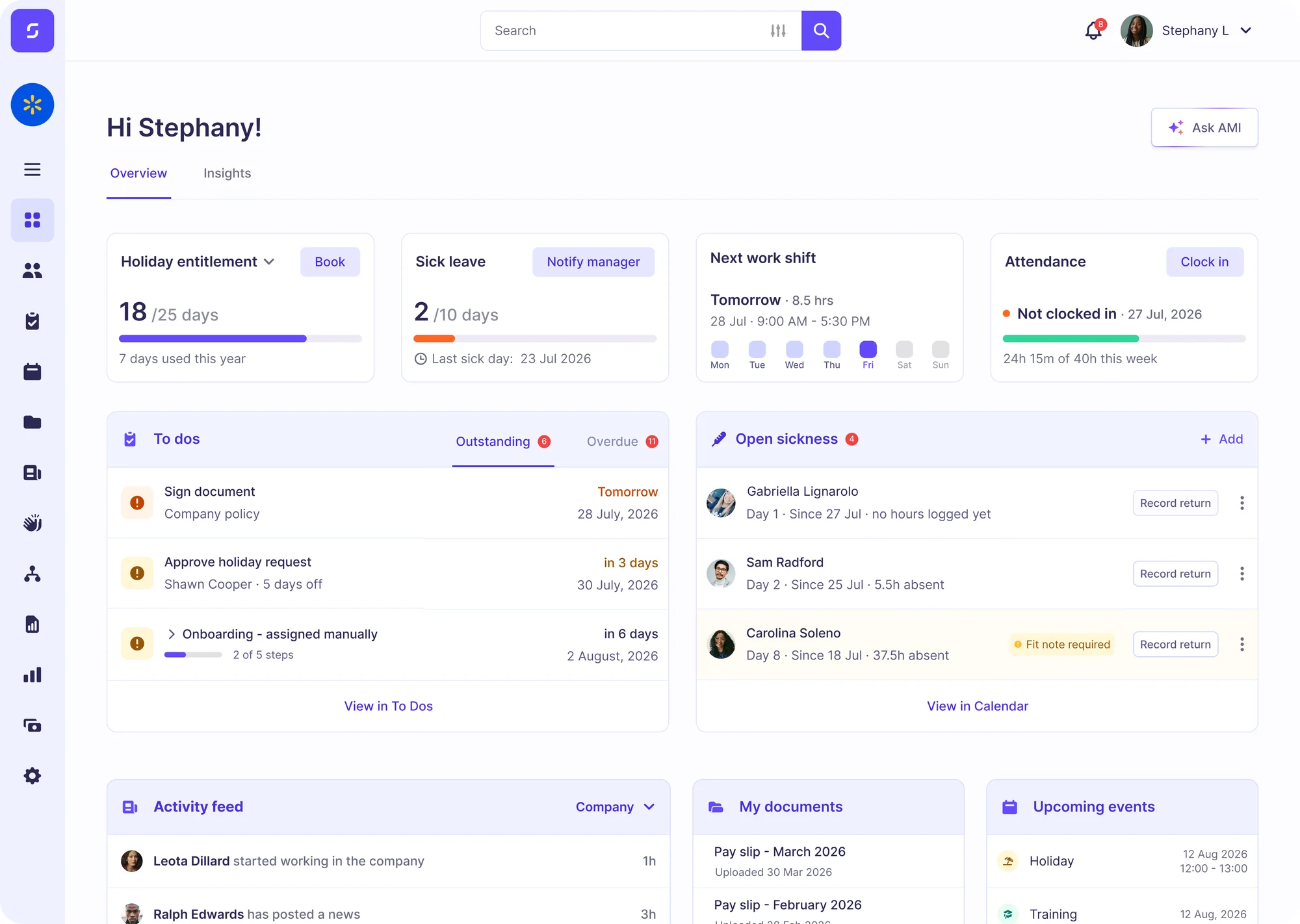

SOS Alerts Sent by Text
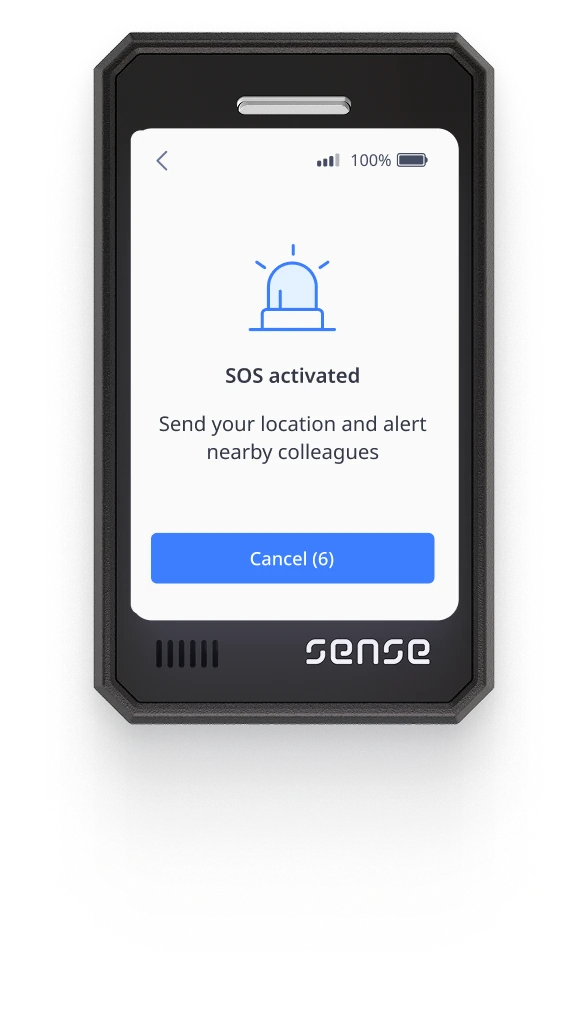
When a lone worker presses SOS on their Sense Badge, or a fall is detected, Sense HR can text supervisors and nearby colleagues with their location.
- SOS button alerts
- Hard fall alerts
- Location included
Sense HR integrates with Twilio to send HR alerts and notifications by text message, so you can reach every member of staff on any phone.

When a lone worker presses SOS on their Sense Badge, or a fall is detected, Sense HR can text supervisors and nearby colleagues with their location.

When a shift, document or task needs attention, Sense HR can use Twilio to text staff who don't work at a desk, don't have the Sense HR app, or don't have a company email address.
When Sense HR sends a text, it goes through your own Twilio account, so it comes from your numbers and costs stay on your Twilio bill.


Connect your Twilio account in Sense Automate
Pick the alerts and reminders you want to send to staff
Texts are sent as events as and when they happen
Book an online demo with one of our UK-based experts, or request an on-site visit, to see how Sense sends text alerts with Twilio.
Browse these frequently asked questions about using Twilio SMS with Sense HR
Yes. Sense HR sends text messages through your own Twilio account.
Yes. SOS and fall alerts from the Sense Badge can be sent by SMS to the people who need to respond.
Twilio bills you directly for the messages you send, at your usual Twilio rates.
Connect your Twilio account in Sense Automate, then choose the alerts and reminders you want to send by text.
The Twilio integration is included on the Sense HR Elite and Enterprise plans.