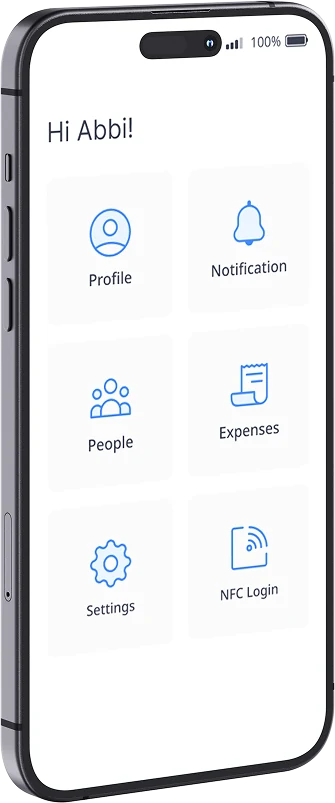
My Profile
See and update personal and employment details, and change your profile picture.
Put HR in every person's pocket, and choose what they can see or do, such as requesting holiday, signing documents, claiming expenses, clocking in or out, checking to-do lists, and more!
Already a customer? Log inThe Sense HR app is listed as Sense Workplace on the App Store and Google Play. Download it, then sign in with the email address your employer has registered and the code they send you.
 Sense Workplace
By default, every user gets access to these core HR features via the Sense HR app. But you can easily add more tiles, options, or mini apps!
See and update personal and employment details, and change your profile picture.
One list for every task, approval and document to read, so nothing gets missed.
Check your entitlement, book holidays and other leave, and see who else is off.
Read, acknowledge and sign contracts, policies and letters, and find payslips filed by AMI.
Get alerts for new tasks, documents to sign, approvals, and updates on your requests.
Sign in once with a verification code, then open the app with your PIN or biometrics.
Customise the app experience for your workforce, by adding mini apps from our ever-expanding library. Decide who sees these extra apps, and easily connect them to your other Sense Automate workflows.
Clock in and out from the phone and verify staff location.
See upcoming shifts and get shift updates from managers.
Report sickness from the phone, sent direct to your line manager.
Check the hours you have worked before they go to payroll.
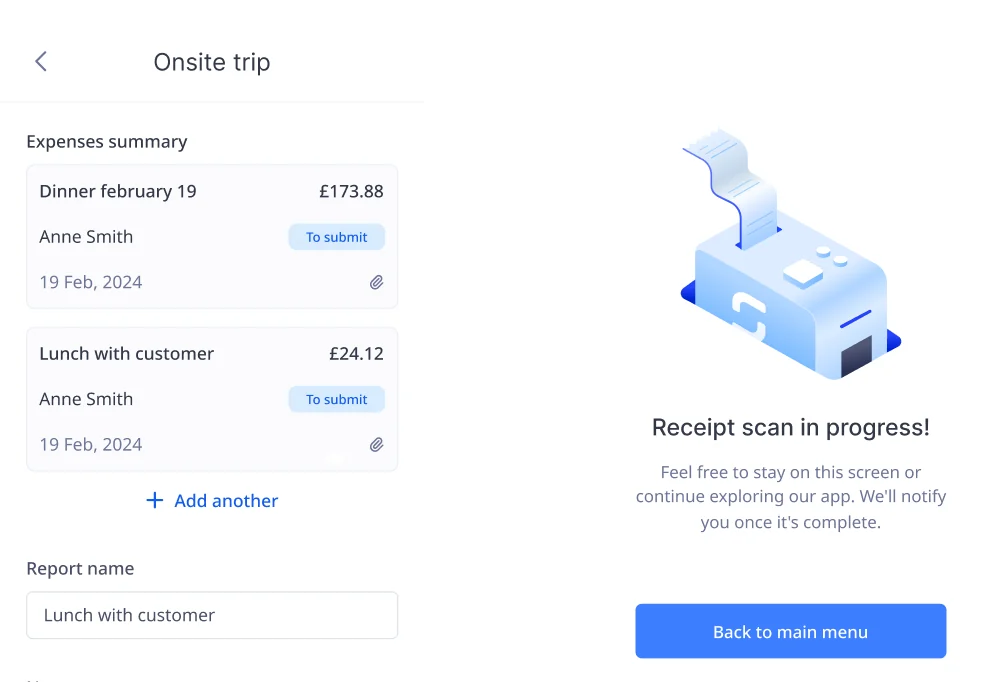
Snap a receipt with the camera and submit your claim in seconds.
Mark yourself safe when the fire alarm goes, by site or location.
See company news even without a company email.
Find a colleague's contact details in the company directory.
See team status, view worker profiles, and approve or decline requests such as holidays or expense claims.

Search for Sense Workplace on the App Store or Google Play, or use the links on this page.
A company admin sends a code from Sense HR, or this can be automated as part of an onboarding workflow.
Enter your work email address and the code. After that, open the app with your PIN or biometrics.
Lone workers can check in, call for help, and take part in fire roll calls from the same app they use for HR.
See lone worker safety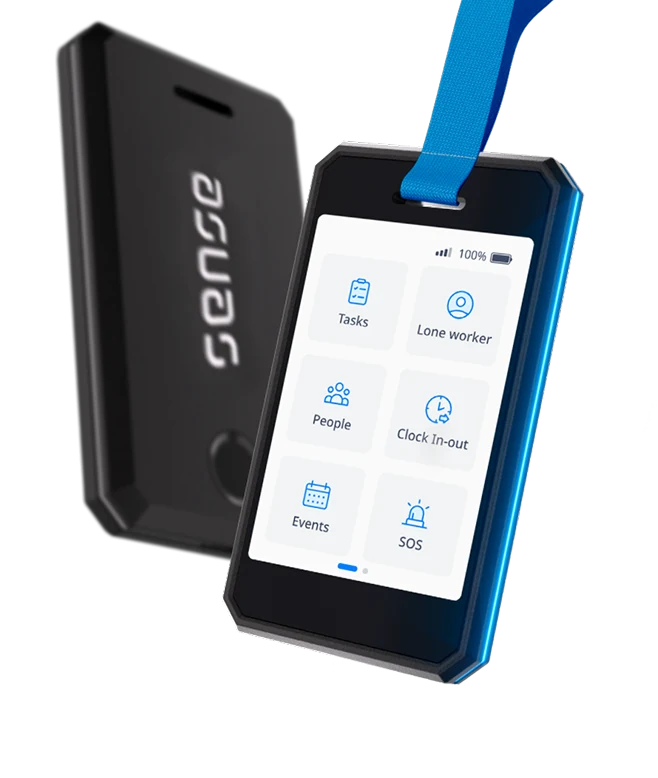
Staff can use Sense HR app features through the wearable Sense Badge, or a shared wall-mounted kiosk.
Discover the Sense BadgeStaff can download Sense Workplace free from the App Store or Google Play. New to Sense HR? Book a free demo with one of our UK-based experts to see how the app works for your staff and managers.
Browse these frequently asked questions about the Sense HR app
Yes. The Sense HR app is free for iPhone and Android. Search for Sense Workplace on the App Store or Google Play, as that is the name it is listed under. You may also see it called Sense Mobile.
Sense Workplace is the name the app is listed under on the App Store and Google Play. It is the same app: download Sense Workplace, then sign in with your Sense HR work email address.
iPhones running iOS 14 or later, and Android phones running Android 10 or later.
Use the email address your employer has registered for you, and the verification code they send. After that, you can open the app with your PIN or biometrics. Close the app rather than logging out, or you will need a new code.
The Sense HR app doesn't use a password. You sign in with your work email address and a one-time code. If you've logged out or changed phone, ask your HR admin to send you a new code.
No. The mobile app is included with every Sense HR plan, with no per-employee app fee.
Book holidays and other leave, read and sign documents, update their details and work through their To Do list. Depending on your setup, they can also clock in and out, report sickness, see their shifts and claim expenses.
Yes. Requests arrive as To Dos, and managers can approve or decline them from their phone.
Only for features your organisation turns on, such as clocking in with GPS. You can manage location settings in the app.
Yes. Staff without a phone can use the wearable Sense Badge, or clock in and out on a Sense Clock.
Yes. Sense HR is UK-hosted, ISO 27001 certified and GDPR compliant.