Rotas and Scheduling

RotaCloud Integration

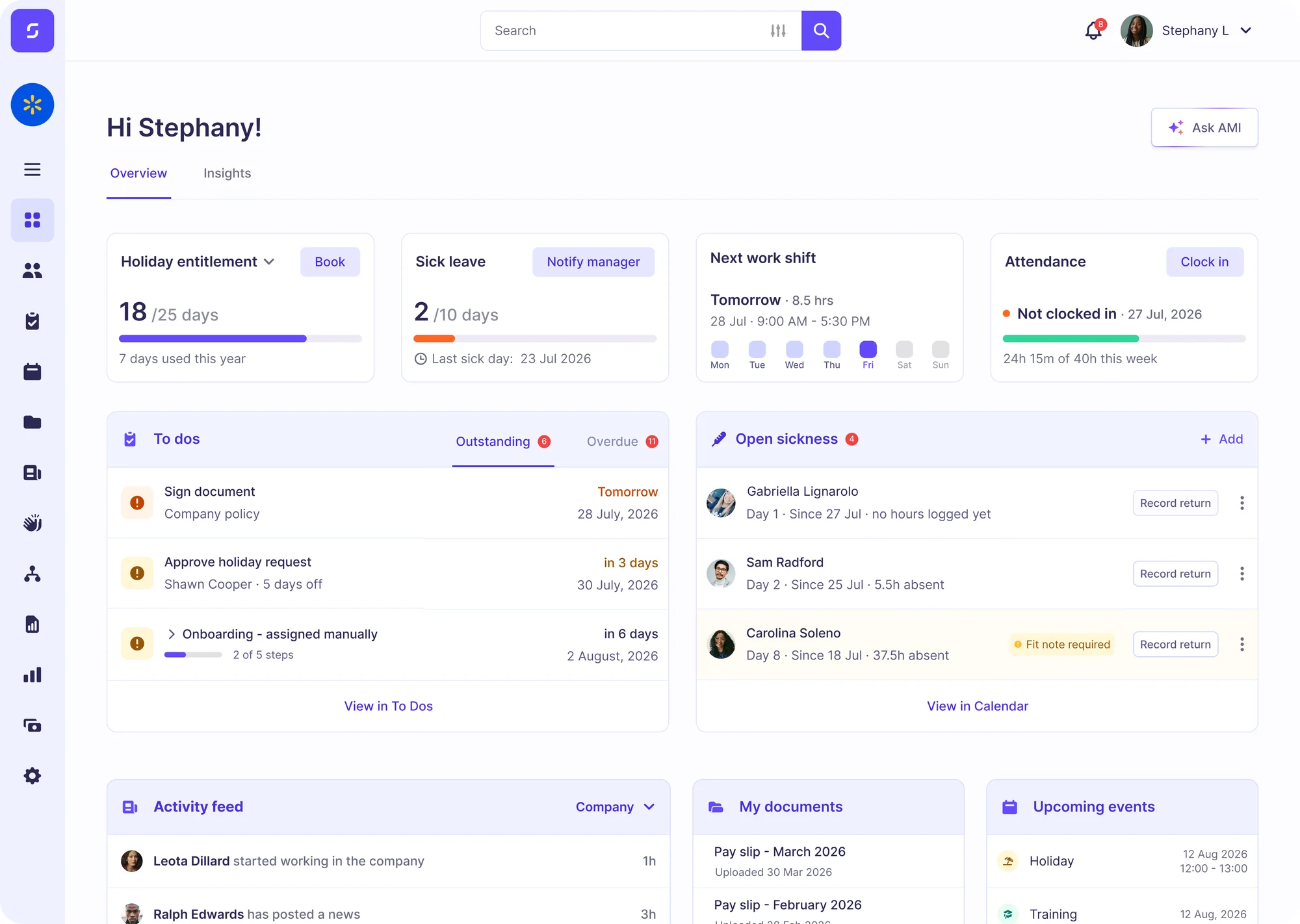
Sense HR integrates with RotaCloud to connect your HR system to your rotas, so your schedules always reflect who is available to work.

Watch 4 min video
Time Off

Time Off Sent Straight to RotaCloud

When time off is approved in Sense HR, it appears in RotaCloud as leave, so gaps show before the rota goes out.

  • Real-time updates
  • Past 30 days and all future leave on first sync
  • No double booking
See holidays and absence
Staff Data

Staff Details Automatically Sync

When a name, address or start date changes in Sense HR, RotaCloud updates too. Blank fields never overwrite RotaCloud data.

  • Change details once
  • Address and date of birth included
  • Blank fields never overwrite RotaCloud
New Starters

New Starters Created in Both Systems

When you add a new starter to Sense HR and hit sync, RotaCloud creates a copy of that starter if they don't exist yet.

  • One-click new starter sync
  • Matched by email
  • No duplicate staff
How It Works

How to connect RotaCloud to Sense HR

  1. 1

    Create an API key

    Create an API key in RotaCloud

  2. 2

    Send it to us

    Share it through our secure upload

  3. 3

    Press RotaCloud Sync

    Your staff and time off start syncing

Discover Sense with RotaCloud for Yourself

Book an online demo with one of our UK-based experts, or request an on-site visit, to see how Sense keeps your RotaCloud rotas accurate.

FAQ

RotaCloud Integration Questions

Browse these frequently asked questions about using RotaCloud with Sense HR

Does Sense HR integrate with RotaCloud?

Yes. Sense HR sends approved time off and staff details into RotaCloud in real time.

How do I connect RotaCloud to Sense HR?

Create an API key in RotaCloud, share it with us through a secure upload, then press RotaCloud Sync in Sense HR.

What data does Sense HR send to RotaCloud?

Sense HR sends approved time off, plus staff names, start dates, dates of birth, gender and addresses.

How are staff matched between Sense HR and RotaCloud?

By email address. If there's no match, Sense HR creates the person in RotaCloud.

What happens to leave types RotaCloud doesn't have?

They appear in RotaCloud as Other Leave, with the Sense HR leave type added to the admin comments.

Do I keep using RotaCloud for rotas?

Yes. RotaCloud stays your rota tool. Sense HR handles holidays, absence and staff records, and keeps RotaCloud up to date.

Which Sense HR plans include the RotaCloud integration?

The RotaCloud integration is included on the Sense HR Elite and Enterprise plans.