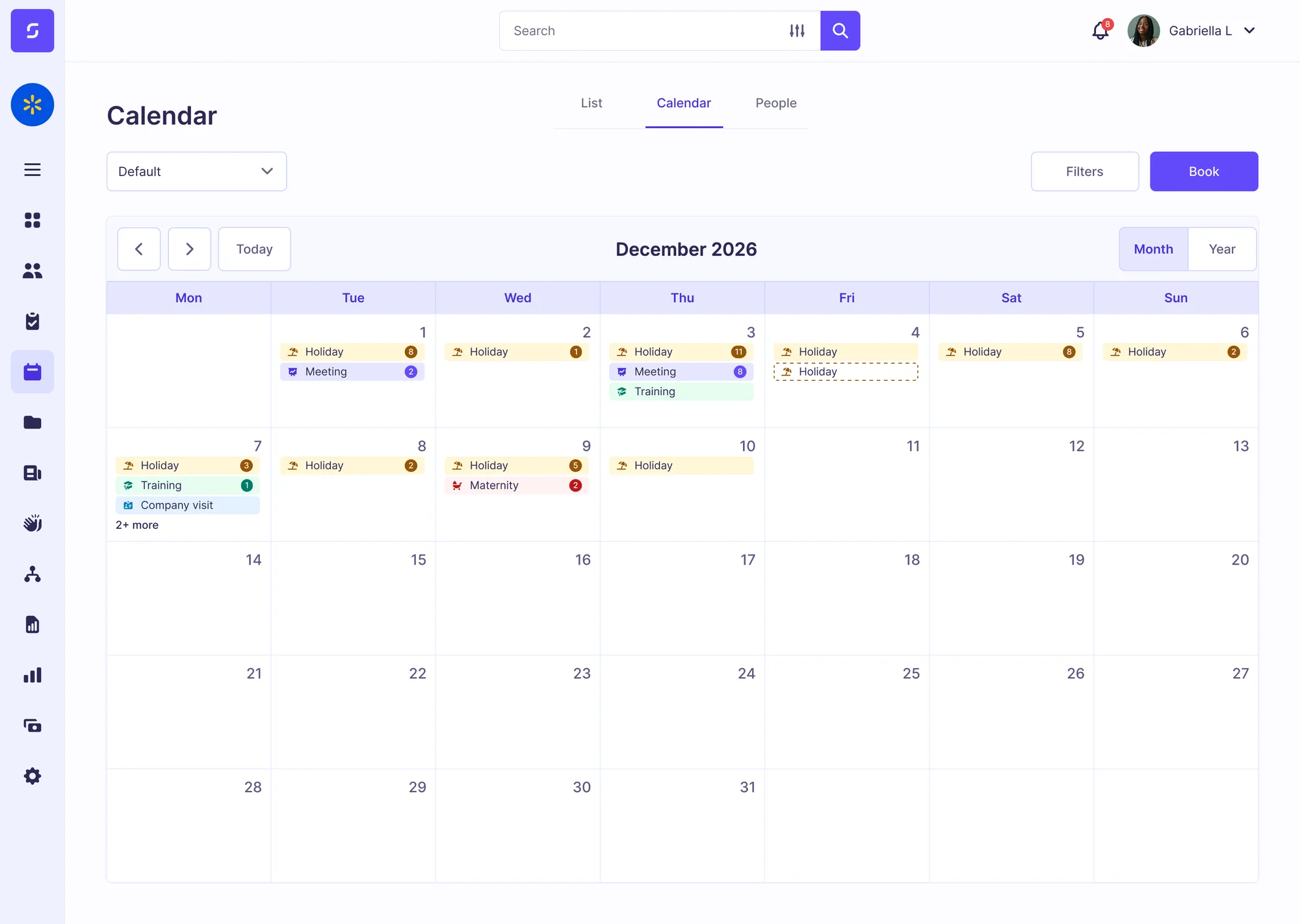
Rota gaps at peak times
A missed shift at a busy time costs sales, and managers often discover gaps too late to cover them.
Track opens and closes, fill rota gaps fast, and let retail staff check rotas and holiday balances from their phone, with one central dashboard for area managers to see live data from all stores.
A missed shift at a busy time costs sales, and managers often discover gaps too late to cover them.
Area managers can't check every store's timesheets, so mistakes and buddy clocking make it to payroll.
Early opens and late closes mean staff are often alone in the store, with no supervision or way to raise the alarm.
Store workers book holidays, check rotas and report absence on the Sense app. Managers approve on their phone, and can see gaps in cover before they happen.

Clockwise, the Sense AI attendance agent, tells managers about missed clock-ins in real time so they can find cover fast. It also warns you of staffing gaps up to two days ahead, based on predictive analytics.
Meet ClockwisePriya K. clocked in 14 minutes late for her 08:00 shift at Leeds, her third late start this month, all on a Monday.
What do you recommend?
SMStaff clock in with a single-use code on the Sense Clock, via fingerprint with the Sense Badge, or using the Sense mobile app, so nobody can clock in for a colleague and every entry is location-verified.
Browse different ways to track time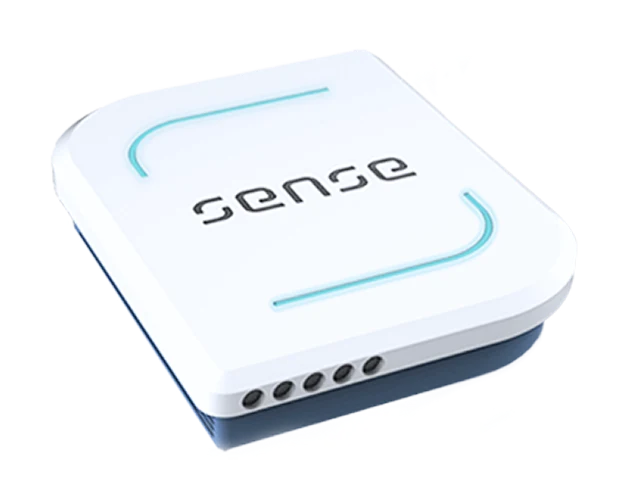



Sense checks claimed hours against actual attendance, then applies your rules for lateness, overtime and breaks. Anomalies are flagged for review, and the payroll report is prepared for final approval.
See the full time and attendance cycle



See who is working alone, and which store they're in. SOS buttons and hard fall detection keep store openers or closers safe, with location technology helping you send help fast if something goes wrong.



Every person's contract, right to work check, training and documents sit in their central HR record. Sense reminds you before anything runs out.
See HR compliance
Book an online demo with one of our UK-based experts, or request a visit to our head office, to see how Sense manages holidays, hours and safety across all your stores.
Browse these frequently asked questions about Sense for retail
No. Staff without a phone can tap a card on the Sense Clock, use a fingerprint or face clock, or wear a Sense Badge. Staff with a phone can use the free Sense HR app.
No. Keep it. Sense links to RotaCloud, Papershift and Chronicle, and to others through our connectors, so hours worked can be checked against the hours planned.
Yes. Staff check their balance, see who else is off and request holidays on the Sense HR app. Managers approve requests on their own phone.
Yes. Set locked days for busy periods, such as Christmas, and choose which teams they apply to. Or create custom rules, such as a maximum cap on the number of people who can book the same day off at once.
Yes. Each manager sees their own stores, and head office sees all of them.
Staff working alone can check in and raise an SOS from the app or the Sense Badge. Alerts go to your own team, with the person's location.
The Sense Clock shows a one-use code, and each account works on one phone only, so nobody can clock in for a colleague. For extra checks, add a fingerprint or face clock, or use the fingerprint reader on the Sense Badge.
Yes. Sense sends verified hours to Sage, Xero, BrightPay and PayCaptain, and to any other payroll by export, including outsourced payroll. Managers approve the hours first, so payroll only gets hours that have been checked.