Is the cleaner on site yet?
Cleaners often attend sites with no supervisor present to verify their attendance, and clients don't always know whether they've been or not.
Cleaners work across many client sites, often early, late and alone. Sense proves when they arrive, when they leave, and what jobs they completed while they were there, all while keeping them safe.
Cleaners often attend sites with no supervisor present to verify their attendance, and clients don't always know whether they've been or not.
Clients often dispute final invoices, sometimes challenging line items from your SLA that they think were missed, or that are difficult to prove.
Many cleaners work alone, often in big empty buildings and out of normal working hours, with no way to raise the alarm if something goes wrong.
See when staff arrive automatically with the Sense Badge, or add a Sense Clock to client sites and let staff scan a unique code via their mobile phone. Each method tells you who is where, and when.
Learn how to verify each hour worked
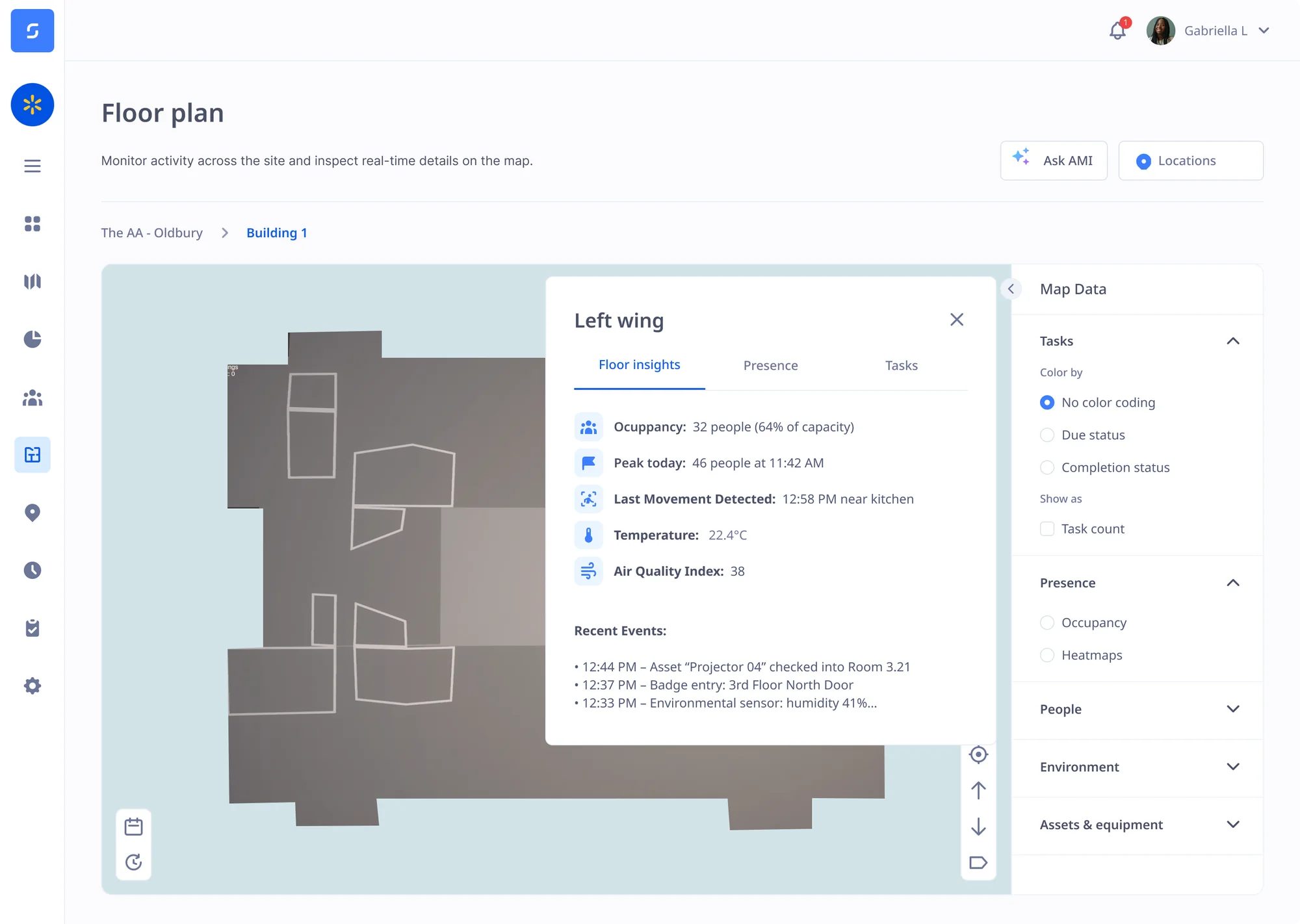
Send task lists to staff phones or Badges, and then record the precise time and place where it was marked complete. Prove which room staff were in and how long tasks take, to defend SLAs and disputed invoices.
Learn more about verifying tasks on site

See who is working alone and where they are, with an SOS button and hard fall detection to alert the nearest available colleague if something goes wrong. Customise how different emergencies are handled.
Learn more about lone worker safety


Sense checks claimed hours vs actual attendance, and then applies your rules for lateness, overtime and breaks. Anomalies are flagged for review, and then the final payroll report is prepared for final approval.
See the full time and attendance cycle



Every person's contract, right to work check, training and documents sit in their central HR record, for easy reference and AI-assisted navigation. Sense reminds you before anything runs out.
See HR complianceBook an online demo with one of our UK-based experts, or request a visit to our head office, to see how Sense proves cleaners were on site, and every job was done, across all your sites.
Browse these frequently asked questions about Sense for cleaning and facilities
Not with the Sense Badge. Add a Sense Gateway at the site entrance, and AutoClock clocks cleaners in as they arrive and out as they leave, with nothing to tap or scan. There are no missed clock-outs to chase.
No. If staff use the Sense app, there's nothing to install. For the Sense Clock or Gateways, you will need to plug them in, but they do not require any infrastructure changes and there's no complex installation required.
Yes. Every arrival and departure is saved against the client site. With the Sense Badge this happens automatically, and you can see which rooms each cleaner worked in. App users clock in with a location check and an optional photo. You can show each client the hours worked on their site, and which jobs were done.
Yes. Staff get the site's task list on the Sense Badge's touch screen or the Sense app when they arrive, and tick each job off as they go. Sense records when and where each task was done, and how long it took.
No. The Sense Badge clocks staff in and out automatically, shows their tasks and has an SOS button, so they never need a phone. Staff can also tap a card on the Sense Clock, or use the free Sense HR app on their own phone.
The Sense Badge detects hard falls and lack of movement and raises an SOS alert automatically, with the person's location, even if they cannot press a button. Staff can also press SOS on the Badge or in the app. Alerts go to the nearest available colleague or your own team.
With the Sense Badge, the fingerprint reader checks who is wearing it when they arrive on site, so nobody can clock in for a colleague. On the Sense Clock, each code works once, and each app account works on one phone only.
Yes. Sense sends verified hours to Sage, Xero, BrightPay and PayCaptain, and to any other payroll by export, including outsourced payroll. Managers approve the hours first, so payroll only gets hours that have been checked.
No. Keep it. Sense links to RotaCloud, Papershift and Chronicle, and to others through our connectors, so hours worked can be checked against the hours planned.