

Verify Tasks on Site

Prove Which Jobs Get Done

Strengthen trust with clients, and reduce timesheet disputes with staff, by proving where each person was, and how long they spent on each task, down to room-level accuracy.

Watch 4 min video

No more "your word against theirs"

When staff work on client sites, it is difficult to prove what got done. This can lead to invoice disputes, arguments over timesheets, and higher staff turnover. Sense gives you the proof you need to verify each task in your SLA, to get more invoices paid on time.

Prove Task Length and Location

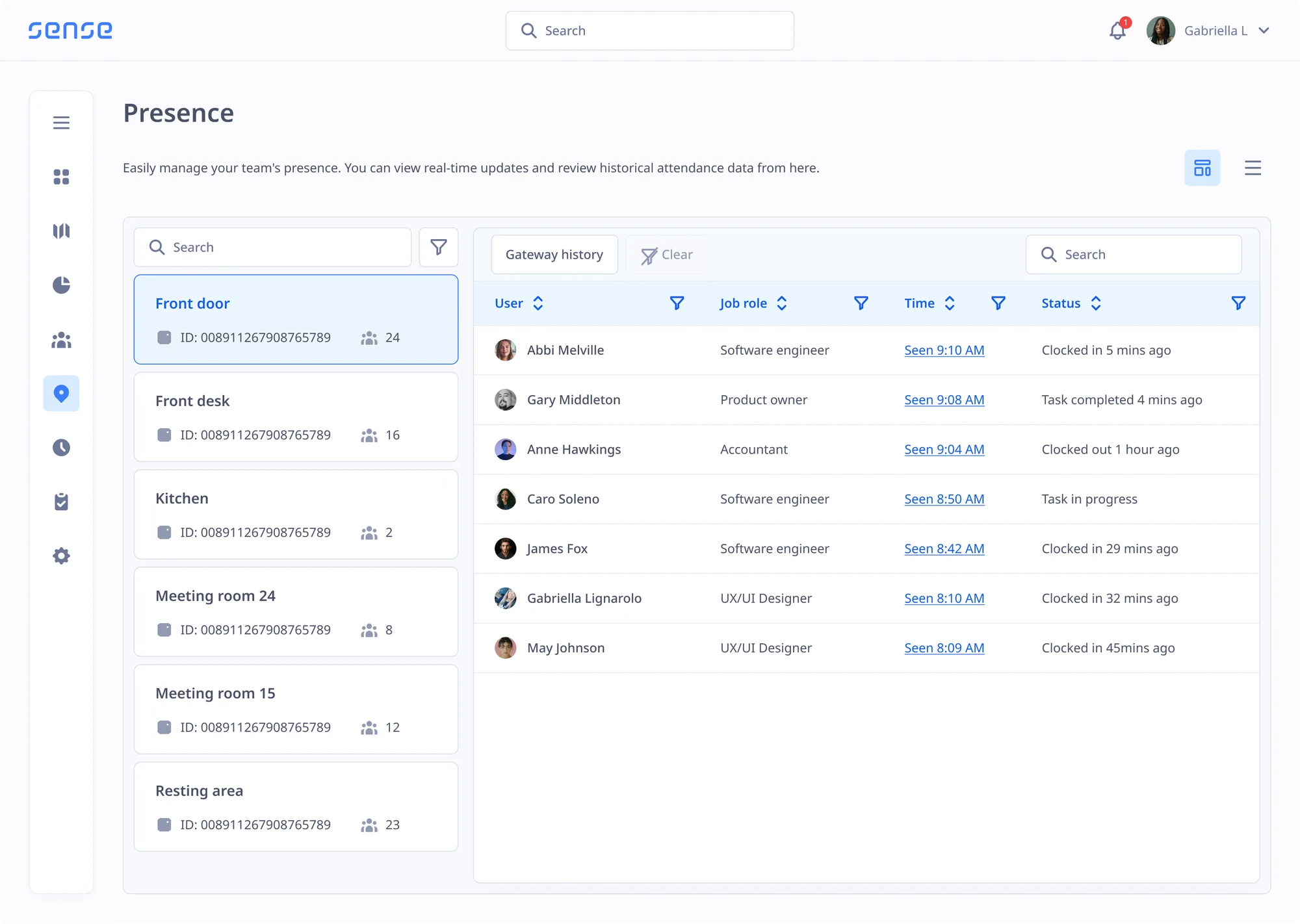
When a worker starts a task, Sense records their precise location for the duration of that job. This proves how long they spent on each task, and whether they were in the expected building, room, or zone.

Digital Task Lists for Each Site or Job

Staff get their day's tasks automatically when they arrive on site, either via the Sense app or the wearable Sense Badge. As they tick each task off, it adds a time, duration and location stamp to your Sense system.

No More Disputed Invoices

Prove that your workers delivered on Service Level Agreements, to reduce disputes or delayed payments, and show customers what was done and when, to improve trust even with no supervisor present.

No Personal or Work Phones Needed

Designed for teams with no phones or laptops, the Sense Badge is a durable, wearable companion that gives each worker their daily tasks, reveals their precise location, and helps them stay on track.

Learn more about the Sense Badge
The Sense Badge and Sense Tag
Smart Task Management

Improve visibility and efficiency across all your sites

See Who's In

Know exactly which room, zone or building a person is in, and see what they are meant to be working on.

Dynamic Task Allocation

Sense tracks who is ahead or behind, and assigns excess tasks to nearby workers with spare capacity.

Performance Insights

Reveal how long common tasks take, how people move through spaces, and which locations cause problems.

Optimise Teams

Design shifts around real data, such as which teammates work best together, or who excels at certain tasks.

Eliminate Payroll Waste

Use location data to verify timesheets, and only pay for hours that were actually worked.

Learn more

Task Lists for Every Site

Set dynamic task lists by site, job, or team, with each task time and location stamped on completion.

How It Works

How to verify tasks on client sites

  1. 1

    Set your task lists

    Create a list of tasks for each site, job, visit, or team.

  2. 2

    Staff tick off each task

    Workers mark tasks as complete via the Sense app or the Sense Badge.

  3. 3

    Sense records the proof

    Every task is stamped with the time, the place and how long it took.

  4. 4

    Share it with customers

    Show customers what was done, and settle disputes with facts.

"Last year we had the pleasure of implementing Sense for our organisation, and the experience has been nothing short of exceptional."

Darren McKinnon

Discover Proof of Work for Yourself

Book a free demo with one of our UK-based experts to discover how to reduce disputes around timesheets and invoices, by proving which tasks got completed.

FAQ

Questions about on-site task verification

Browse these frequently asked questions about proving work on site

What is proof of work?

Proof of work is a record that shows a job was done, by whom, where and when. It helps service businesses answer customer complaints, prove they met a Service Level Agreement, and get invoices paid without dispute.

Do staff need a smartphone?

No. Staff without a phone can use the Sense Badge, which gives them their daily tasks and records where they are.

Can we set different tasks for each site?

Yes. Each site, job or visit can have its own task list.

How does Sense prove a task was done?

When a worker starts a task, Sense records their location for the duration of the job, so you can see where they were and how long they spent there.

Can tasks move between workers?

Yes. Dynamic task allocation spots who is ahead or behind on their task list, and assigns excess tasks to nearby workers with capacity.

Which teams use Tasks on site?

Any team that works across sites and needs to prove the work, such as cleaning and facilities, security patrols, care visits and field service.