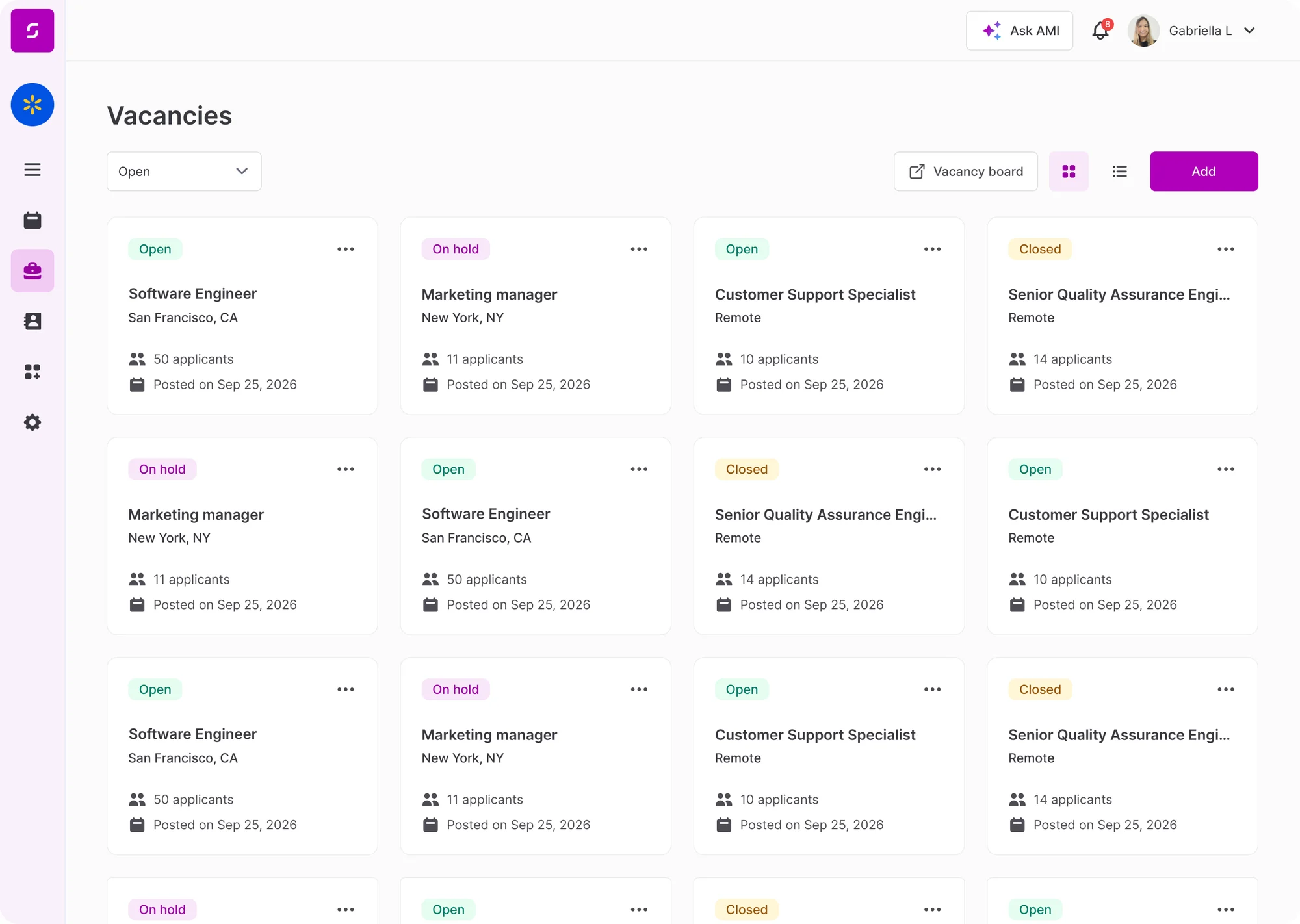
Vacancies, posted everywhere.

Create a vacancy in Sense and post it to Indeed, LinkedIn and your career site in one click. Approval workflows route the request to the right manager — and successful applicants flow into onboarding without re-keying data.

Vacancies, <em>posted everywhere.</em>

What it does.

Built into Sense HR — switch on when you need it.

One-click distribution

Post to Indeed, LinkedIn, your career site and an RSS feed in a single action.

Approval workflows

Route every vacancy to the right manager or finance approver before it goes live.

Branded job descriptions

Apply templates, tone of voice and your employer brand without re-writing every time.

Tied to your headcount plan

Track open vs filled positions against budget and headcount caps.

How it works.

Three simple steps inside Sense.

Step 1

Create the vacancy

Use a template or start from scratch. Pull role data straight from the org structure.

Step 2

Route for approval

Manager and finance approvers get a task with one click to approve, reject or amend.

Step 3

Post and track

Goes live across all channels with a single button. Applicants land in your pipeline.

See Vacancies, in action.

A short walkthrough focused on the way your team actually works.