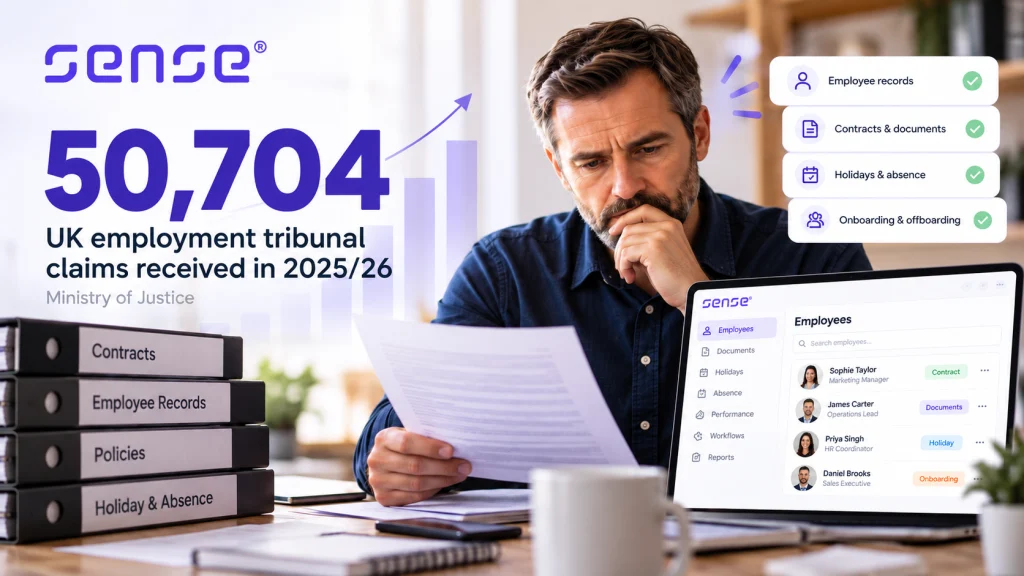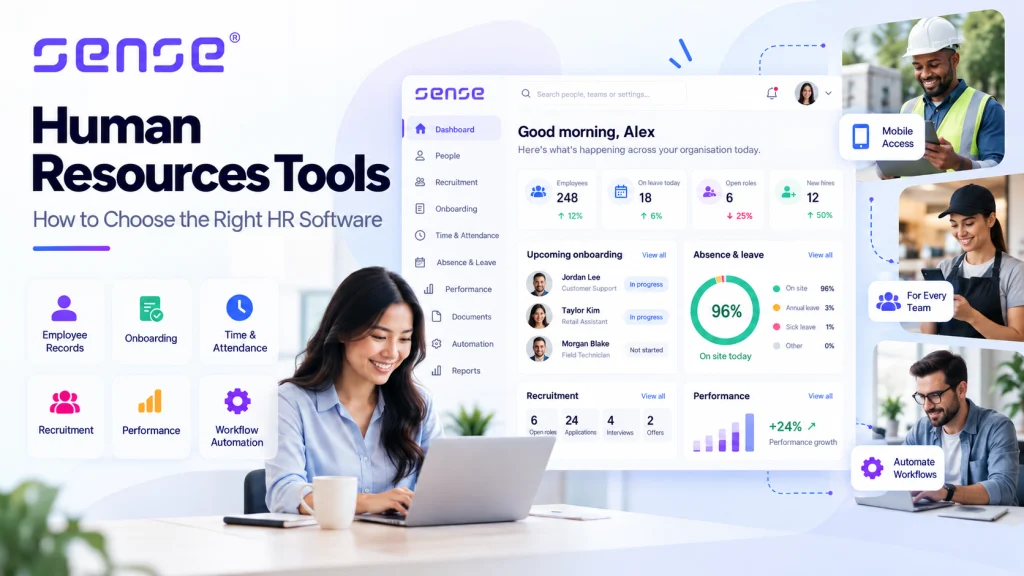

A new starter accepts the role, then the chasing begins. HR needs personal details, payroll needs accurate information, IT needs to prepare access, managers need a plan for day one, and the employee needs clarity. When this work sits across email, spreadsheets, paper forms and separate systems, delays are almost guaranteed.
The right employee onboarding software UK organisations choose turns those separate requests into a visible, repeatable workflow. It assigns actions, collects information securely, stores evidence against the employee record and alerts the right person when something is overdue. The result is not simply a nicer welcome. It is less rework, fewer missed actions and a more reliable route from accepted offer to productive employee.
What employee onboarding software should do
Employee onboarding software manages the administrative and practical steps that happen before, on and after a person joins. At a minimum, it should create an employee record, issue forms and documents, collect required information, allocate tasks and show progress to HR and managers.
That description sounds simple. The difference lies in whether the system reflects how your organisation actually operates. A head-office hire may need a laptop, system access and a structured induction. A care worker, engineer, retail colleague or mobile operative may need different documents, role-specific training, site access and a confirmed first shift. One generic checklist will not serve every role.
Good software therefore lets HR create onboarding journeys by role, department, location or employing entity. It should automatically trigger the relevant actions when a candidate is hired, rather than asking someone to rebuild the same checklist every time.
For UK employers, onboarding should also support consistent processes around employee data, contractual documents, holiday and absence settings, payroll preparation and right-to-work processes. Software does not remove an employer’s responsibility to follow the appropriate process or assess individual circumstances. It does create a clearer audit trail of what was requested, completed and approved.
Start with the operational problem, not a feature list
Most onboarding projects begin because a visible failure has become too expensive to ignore. New starters arrive without equipment. Payroll receives incomplete information. Managers assume HR has handled an action that is still sitting in an inbox. Employees submit the same details more than once.
Before comparing platforms, map the journey from offer acceptance to the end of probation. Identify every hand-off, the system used, the person accountable and the evidence created. This exposes the steps worth automating.
A practical onboarding workflow might look like this:
- A recruiter marks a candidate as hired in the applicant tracking system.
- The HR system creates a provisional employee record and launches the correct onboarding journey.
- The new starter receives a secure request for personal, emergency contact and bank details, alongside relevant policies and documents.
- Payroll, IT, facilities and the line manager receive only the actions that apply to that starter.
- Completed tasks, signed documents and approvals are recorded centrally before the first working day.
- The workflow continues through induction, training, probation reviews and any role-specific checks.
This approach removes the need for HR to act as a human switchboard. More importantly, it makes ownership visible. If an action is late, the system should show who needs to act rather than leaving HR to search through email threads.
The capabilities that make a measurable difference
Configurable journeys, not fixed checklists
A fixed checklist can help a small office with a standard hiring process. It becomes restrictive when an organisation has multiple sites, job types or approval routes. Look for configurable fields, forms, document packs, task owners and deadlines.
For example, a warehouse starter may need a shift pattern, site induction and clocking arrangements. A field-based employee may need mobile working policies and equipment allocation. A manager should not have to remember which variation applies. The workflow should make the decision once, based on the role or location, then apply it consistently.
A single employee record from recruitment onwards
Re-keying candidate information after an offer is accepted creates avoidable errors. Onboarding works best when recruitment and core HR are connected, so approved details can pass into the employee record without repeated data entry.
This matters at payroll cut-off. If a name, bank detail, start date, pay element or working pattern changes in one place but not another, the cost is felt by the employee as well as the payroll team. A platform should show where data came from, who changed it and which downstream processes need attention.
Documents that are issued, completed and traceable
Documents are often the weakest part of an onboarding process. HR sends an attachment, the starter returns a version with an unclear filename, and nobody can easily confirm whether the latest policy was acknowledged.
Software should issue the right document to the right employee, record completion and keep it against their profile. It should also support controlled templates, so HR is not relying on copies saved in personal folders. Consider who needs access, how long documents should be retained and how the organisation will manage updates to policies or contracts.
Automation with clear human control
Automation is useful when it completes predictable work: sending a welcome message, assigning forms, creating reminders, notifying payroll or escalating an overdue task. It is less useful when it hides a decision that requires judgement.
The best systems make the workflow visible. HR can see what has been triggered, amend an exception and prevent an automated task from going to the wrong person. This balance matters when start dates move, a role changes before day one or an employee has circumstances that need a different route.
AI agents that complete defined work
AI in HR should be judged by the job it performs, not by how conversational it sounds. A specialist document agent can help prepare, organise or process document work. Recruitment agents can support recruitment administration. Payroll and attendance agents can help teams work through relevant data and exceptions.
Not a chatbot – a team of agents that takes action on defined tasks. The commercial value is in reducing repeatable administration while keeping HR teams in control of the process and the underlying records.
Why deskless onboarding needs more than an online portal
A portal alone does not confirm that a frontline employee has reached the correct site, completed a required local induction or started the expected shift. For organisations with mobile, dispersed or multi-site teams, onboarding needs to connect HR administration with operational reality.
This is where time and attendance data can strengthen the process. Once a new starter is active, verified clocking data can help managers see attendance patterns and resolve disputes with better evidence. Optional location data and workforce hardware may be relevant for roles where presence at a site, movement between locations or safety processes matter.
There is a trade-off. More workforce data can improve visibility, but it must have a clear purpose, proportionate controls and transparent communication with employees. Involve HR, operations, IT and data-protection stakeholders early. The question is not whether more data is available. It is whether it solves a defined operational problem fairly and responsibly.
Questions to ask when comparing UK providers
Do not treat onboarding as an isolated module. Ask whether it connects to employee records, recruitment, absence, holidays, time and attendance, reporting and payroll preparation. The answer determines whether the platform removes work or merely moves it to another screen.
Ask how workflows are configured and who can change them. A smaller business may prefer a straightforward setup with a few well-designed journeys. A larger or rapidly growing organisation may need different processes by entity, department, role, site and approval level.
Integration depth also matters. A supplier may claim to integrate with payroll or workplace tools, but buyers should establish what data moves, when it moves, whether it is one-way or two-way, and how exceptions are handled. Open APIs and webhooks can be valuable where an organisation has specialist operational systems, but only if the internal team has a practical integration plan.
Finally, assess implementation honestly. A system can be easy to use and still require careful preparation. Clean up employee data, agree ownership of each task, decide which documents are current and pilot the journey with a real hiring scenario. That work prevents old administrative habits being recreated in new software.
Sense HR is designed for this broader requirement: UK-specific HR workflows, recruitment, automation, time and attendance, specialist AMI agents and optional proprietary hardware can be brought together as needs grow. That is particularly relevant where HR needs stronger evidence of attendance, location or frontline activity, not just a digital checklist.
FAQ
What is employee onboarding software?
Employee onboarding software is a system that manages the tasks, forms, documents, approvals and communications needed to bring a new starter into an organisation. It gives HR, managers and support teams a shared view of progress and keeps relevant information in the employee record.
Can onboarding software help reduce payroll errors?
Yes, if it captures approved starter information accurately and connects that information to payroll preparation or payroll systems. It reduces duplicate entry and makes missing data easier to spot. Payroll teams should still maintain their normal checks before pay is processed.
Is onboarding software suitable for small UK businesses?
Yes. Small businesses often benefit first from central employee records, holiday and absence settings, document storage and simple task automation. The key is choosing a platform that can start with essential HR processes without forcing unnecessary complexity.
What should be included in a new starter onboarding workflow?
The right workflow depends on the role, but commonly includes personal details, emergency contacts, contractual documents, payroll information, policy acknowledgements, equipment, system access, induction tasks, training and manager check-ins. Site-based or regulated roles may need additional, role-specific steps.
How long should onboarding continue after the first day?
Onboarding should not end when the employee has logged in or collected a pass. Continue it through early training, role expectations, feedback and probation milestones. A useful system keeps those actions visible, giving managers a practical prompt to support the employee after the first-week administration is complete.