Payroll

Send accurate data straight to payroll

Auto-verify hours worked, scan for gaps or errors, and send clean data straight to your payroll provider. Connect to Sage, Xero, BrightPay or PayCaptain, and let AI agents file payslips to the right employee records.

Watch 4 min video

Verified hours, ready for payroll

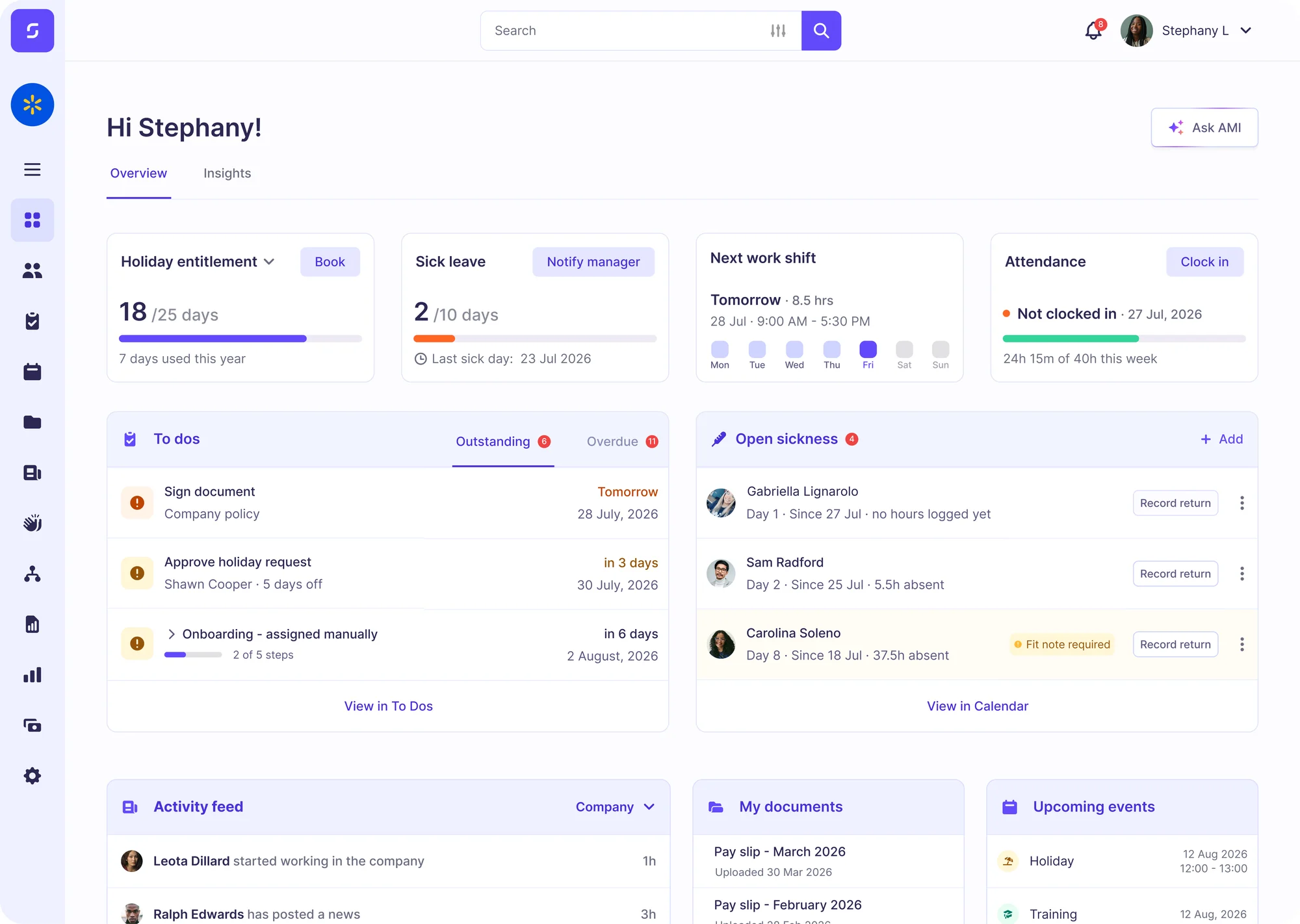
When staff clock in via the mobile app, the Sense Clock, or automatically via the Sense Gateway, their timesheet data is processed and analysed by Sense HR. Errors and anomalies are automatically flagged, and managers get the final say before approved timesheets are sent to payroll.

Catch errors before payroll runs

Sense HR has AI agents who can check pay information against timesheet and attendance data, to flag missing hours, eliminate duplicate entries, or raise awareness of unusual patterns. This helps you fix problems and find errors before they turn into costly pay disputes.

Connect to your payroll provider

Native connectors for Sage 50 Payroll, Xero and BrightPay send verified hours, holiday and salary changes straight into your payroll software, with no CSV imports or double-keying. Other payroll providers can be connected via Sense Service Connectors and our Open API.

Explore integrations
Deep dive

Everything your payroll team needs, in one place

  • Bulk payslips instantly distributedUpload a bulk file of payslips, P60s or P11Ds, and Payslip Sorter matches each document to the right person using details like name and National Insurance number. Nothing is sent until someone has checked it, and staff can view their payslips in the Sense HR mobile app.Meet Payslip Sorter
  • One-click payroll extractsPull contracted and actual hours, overtime, holiday, sickness, benefits and pay rates into a single payroll-ready extract, exported as a CSV. Check what should be paid, and why, before every pay run, and then upload your verified extract to your chosen payroll provider.
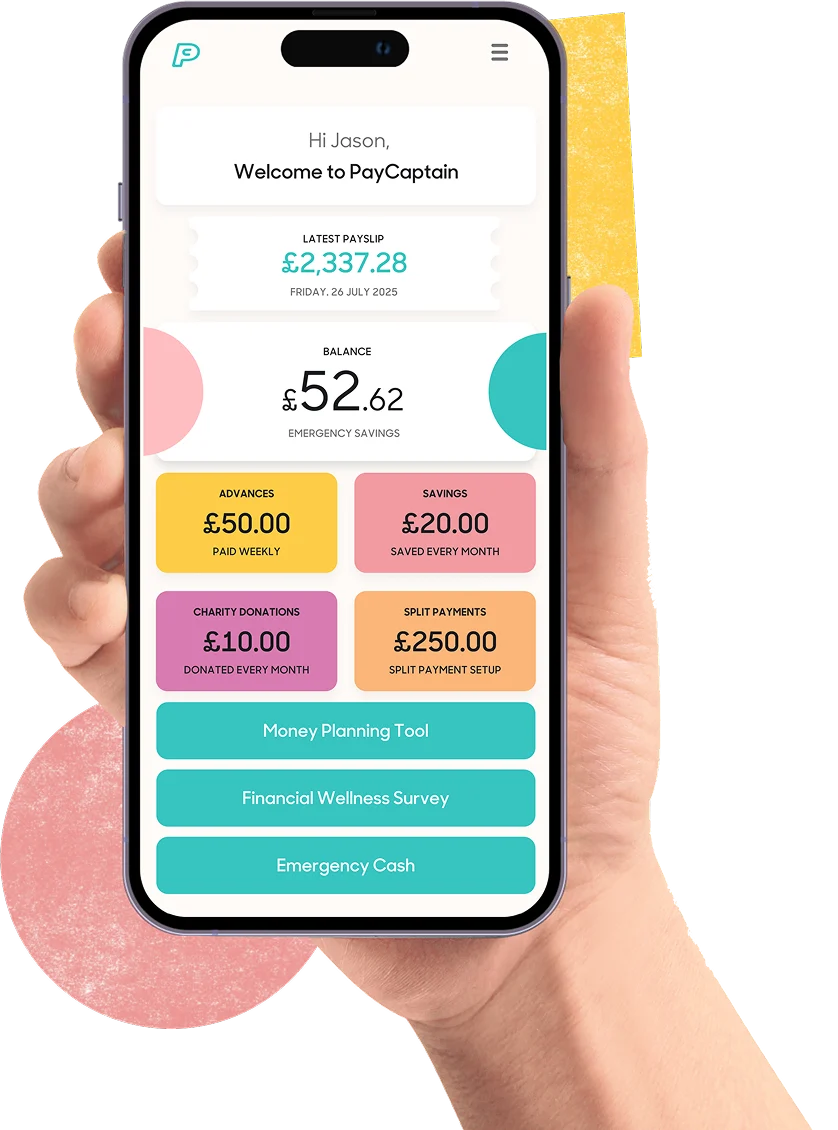
  • Outsource payroll with PayCaptainSense HR connects to PayCaptain’s UK payroll bureau, so their expert team can run payroll for you using the verified hours and employee data from Sense HR. PayCaptain also gives your people financial wellbeing tools, such as savings, wage advances and automatic bill payments.Learn more about PayCaptain
What's inside

Explore your payroll-ready HR system

Here's how Sense HR helps you get payroll right, every time.

Timesheet Approvals

Approve hours, edits and exceptions from any device, before payroll closes.

Overtime and TOIL

Track overtime and time off in lieu, with carryover limits and expiry rules.

Holiday and Absence Data

Send holiday and sickness data to payroll alongside hours worked.

Salary Changes

Record pay changes once, and let them flow through to your payroll software.

Payroll Extract Report

Export every pay-affecting detail in one CSV, ready for your payroll team.

Pay History Reports

See current and historical pay details for everyone, or for any group.

Payslip Sorter

Match bulk payslips, P60s and P11Ds to the right employee records.

Mobile Payslips

Give staff access to their payslips from the Sense HR mobile app.

Open API

Connect other payroll systems such as Moneysoft, QuickBooks Payroll and ADP.

Discover payroll-ready HR for yourself

Book a free demo or start your free trial to discover accurate, payroll-ready HR data with Sense HR.

FAQ

Common questions about HR and payroll

Is HR the same as payroll?

No. HR software manages people information such as contracts, hours, holidays and absence, while payroll software calculates pay, tax and deductions and pays people. The two work best when they’re connected, so the hours and changes recorded in HR flow straight into payroll without being keyed in twice.

Can HR software integrate with payroll?

Yes. Sense HR has native connectors for Sage 50 Payroll, Xero and BrightPay, a connection to PayCaptain’s UK payroll bureau, and an open API for other systems such as Moneysoft, QuickBooks Payroll and ADP.

Does Sense HR run payroll?

Sense HR prepares and checks the data that payroll needs, such as verified hours, holiday, absence and salary changes. Payroll itself runs in your own payroll software, or PayCaptain’s bureau team can run it for you.

How does Sense HR help reduce payroll errors?

Hours are verified at the point of clocking in and approved by managers before payroll closes. Payslip Sorter then checks pay information against timesheet and attendance data, flagging missing hours, duplicates or unusual patterns before the pay run.

Can employees see their payslips in the app?

Yes. Payslips from your payroll provider are filed to each employee’s record, where staff can view and download them from the Sense HR mobile app.

Which plan includes payroll integrations?

Payroll integrations and the AI agents, including Payslip Sorter, are part of the Elite plan and above.