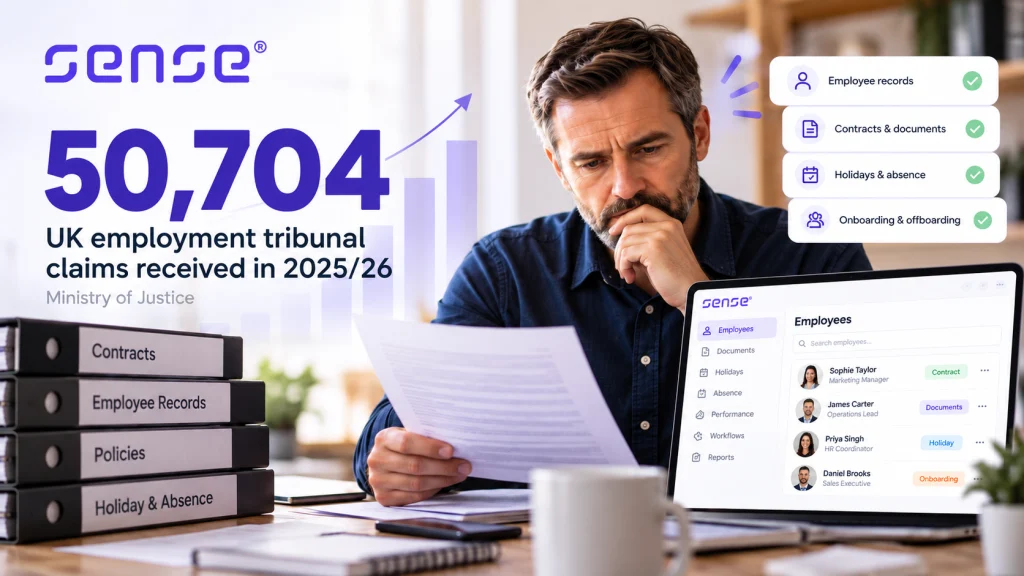

A holiday request approved in a manager’s inbox, an employee’s signed contract in a shared drive and timesheets corrected on payday are not separate admin problems. They are signs that workforce data is fragmented. The right hr management solutions bring those tasks into a controlled process, giving HR, managers and payroll a clearer record of what has happened and what needs action.
The practical answer is to choose a system around the work that currently breaks down most often, then test whether it can grow into related processes without creating another data silo. For many UK organisations, that means starting with employee records, leave, absence and documents, then assessing onboarding, recruitment, time and attendance, reporting and integrations.
What should HR management solutions do?
HR management solutions are software systems used to maintain employee information and run day-to-day people processes. You may also see the terms HRIS, meaning Human Resources Information System, and HRMS, meaning Human Resources Management System. In practice, suppliers use these labels differently, so the more useful question is not what the platform calls itself. It is what work it can reliably support.
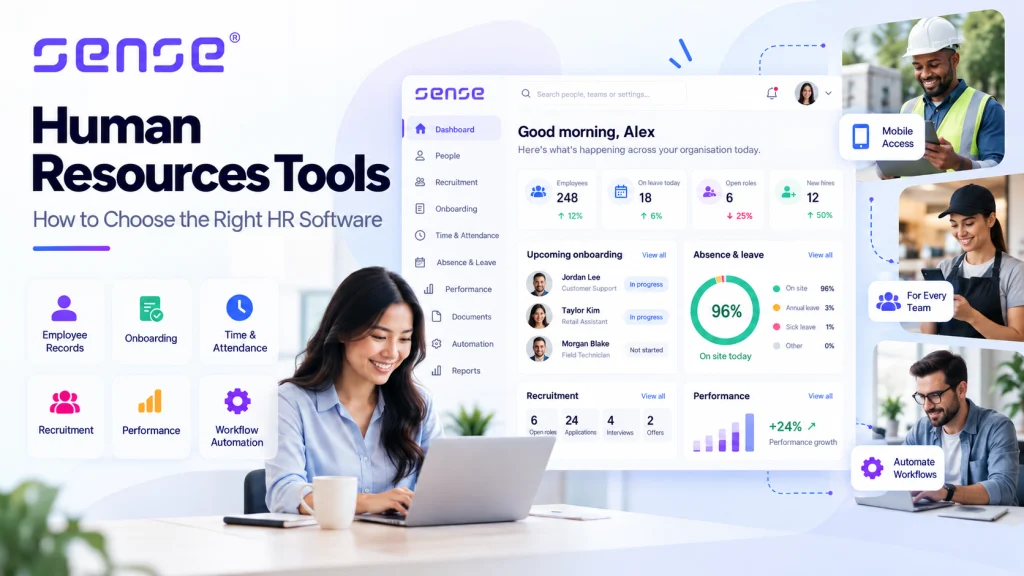
At a minimum, a suitable system should create a trusted employee record and make routine actions easier to complete, approve and evidence. That includes storing employment details and documents, recording holiday and absence, assigning tasks to the right people and producing reports from current data.
For a growing employer, the scope often extends to recruitment, pre-employment screening, onboarding, e-signatures, timesheets and payroll preparation. For a multi-site business with shift-based or frontline teams, attendance review and a better view of presence can become equally important. The aim is not to buy every module available. It is to remove the hand-offs that cause missed actions, duplicated entry and poor decisions.
Start with the operational problem, not the feature list
Feature lists tend to make competing systems look similar. Your process failures will not be similar. Map the point at which information is lost, delayed or rekeyed, and identify who is affected.
If holiday balances are disputed, examine whether entitlement rules, approval routes and absence records sit in the same place. If payroll amendments arrive late, look at how timesheets, starters, leavers and contractual changes are collected and checked. If onboarding feels inconsistent, identify whether tasks, documents, equipment requests and manager reminders have named owners and due dates.
A useful assessment covers four common pressure points:
- Employee records and documents: Can authorised people find accurate employment data, policies, letters and signed documents without chasing separate folders?
- Leave and absence: Can employees request leave easily, while managers see team availability and HR can review absence patterns?
- Hiring and onboarding: Can recruitment stages, candidate information, screening and new-starter tasks follow a clear, repeatable route?
- Time, attendance and payroll preparation: Can managers review exceptions before payroll inputs are prepared, rather than correcting data after the deadline?
This exercise also exposes a critical distinction. Some problems are administrative, such as collecting a signed policy acknowledgement. Others concern workforce operations, such as verifying attendance at a particular site. A standard HR platform may solve the first well. The second may require time-and-attendance tools or location intelligence, depending on the role, workplace and evidence required.
The decision criteria that matter most
One source of employee data, with the right permissions
A central employee record is valuable only if it is maintained. Check how changes are requested, approved and recorded. Consider whether employees can update appropriate personal details themselves, whether managers can see only their teams and whether HR can control access to sensitive information.
Do not treat access controls as a technical afterthought. HR data includes information that should be handled carefully, and a system should support your organisation’s data protection responsibilities and internal policies. Ask suppliers to explain their security approach, data handling and permissions in plain language. Seek legal or data protection advice where your circumstances require it.
Configurable workflows without unnecessary complexity
Workflow automation should remove routine chasing, not force every team into a rigid template. For example, a new-starter workflow might issue documents for signature, prompt the manager to complete a welcome plan and alert payroll to collect the details it needs.
Configuration matters because approval routes vary. A small business may need one manager’s approval for leave. A larger organisation may need different rules by location, department or job type. Test changes you expect to make regularly, such as creating a new absence category or adjusting an approval route. If routine changes always require a supplier project, the platform may become a bottleneck.
There is a trade-off. Deep configuration can support complex operations, but it also needs governance. Decide who can change workflows, who tests them and how changes are communicated to managers.
Integrations that remove rekeying
An integration is worthwhile when it reduces a real hand-off, not because it looks impressive in a procurement spreadsheet. Prioritise the systems that create repeated work today, such as payroll, recruitment, identity, finance or time-and-attendance systems.
Ask precise questions. Which fields move between systems? How often? Who resolves an error? Is the connection standard, configurable or bespoke? A vague promise that a platform “integrates with everything” is less useful than a documented data flow for your payroll preparation process.
Reporting that supports action
Good HR reporting gives leaders and managers a shared view of current information. The most useful reports are often practical: upcoming probation reviews, absence by team, holiday liability, recruitment stage movement, missing documents or incomplete onboarding tasks.
First agree the decisions each report should support. A report that cannot be explained, trusted or acted upon will not improve workforce planning. Start with definitions too. For example, establish how your organisation records sickness, authorised absence and attendance exceptions before comparing absence reports across sites.
Where AI and frontline tools fit
AI is most valuable in HR when it has a defined job, clear inputs and human oversight. Generic chat can help someone find an answer, but it does not necessarily complete work. Specialist AI agents can be configured to carry out bounded HR tasks, such as preparing information for review or progressing a defined workflow, while people retain responsibility for decisions.
Sense HR uses AMI specialist AI agents for defined HR work, alongside configurable HR workflows. The relevant test is simple: identify a repetitive task, define the acceptable outcome and decide where a human must review or approve it. Do not automate a poorly understood process first.
For deskless and multi-site teams, HR data may need to connect with operational evidence. This is where workforce hardware or location intelligence can be relevant, for example where an employer needs stronger information about presence, time, safety or work activity. It is not a default requirement for every HR team, and it should be assessed against the role, employee experience, privacy expectations and operational purpose.
Plan implementation as a data and behaviour change project
Most HR software projects fail in the details: duplicate employee records, unclear leave rules, incomplete historic documents or managers who have not been shown the new approval process. Treat implementation as a controlled operational change rather than a system switch-on.
Begin by agreeing the data you genuinely need to migrate. Clean records before loading them, decide what historical data must remain accessible and assign owners for unresolved data issues. Then set out the core processes to launch first. Employee records, holiday, absence, documents and onboarding are often sensible foundations because they create immediate structure.
Run realistic scenario testing before go-live. Add a starter, process a contractual change, submit holiday, record sickness, approve a timesheet and prepare the information payroll needs. Include managers and payroll colleagues in this testing. They will spot gaps that a project team can miss.
Training should be role-based. Employees need to know how to complete simple self-service actions. Managers need confidence in approvals, team visibility and escalation. HR administrators need to understand data ownership, reporting and workflow maintenance.
Common mistakes when buying HR software
The first mistake is buying for an ideal future process while leaving the current pain unresolved. The second is treating payroll preparation as an afterthought, despite payroll being one of the most deadline-driven workforce processes. The third is choosing a system without involving the managers who will approve leave, complete onboarding tasks or review attendance exceptions.
Another common error is assuming that software alone delivers compliance. A platform can improve consistency, reminders and record-keeping, but it cannot replace sound policies, trained managers or appropriate professional advice. Build processes that reflect your own contractual arrangements and UK employment obligations.
Frequently asked questions
When should a business move from spreadsheets to HR software?
Move when spreadsheets no longer provide a reliable, controlled view of employee information, or when routine tasks depend on manual chasing. Repeated version conflicts, missed leave approvals, scattered documents and payroll corrections are practical triggers.
Do small businesses need a full HRIS?
Not necessarily. Smaller teams may only need strong employee records, leave, absence, documents and straightforward workflows at first. The key is selecting a platform that can add capability as processes become more complex, without forcing a costly replacement too soon.
Can HR management software replace payroll software?
It depends on the product and your payroll arrangement. Many organisations use HR software to maintain people data, manage timesheets and prepare accurate payroll inputs, while a specialist payroll system completes payroll processing. Confirm responsibilities and data flows before making assumptions.
How long does HR software implementation take?
It depends on data quality, the number of processes in scope, integrations and internal availability. A focused first phase can move faster than a large redesign, but rushing data cleansing and testing usually creates work later.
The strongest buying decision is rarely the platform with the longest feature list. It is the one that gives your people a clear route to complete everyday work, gives managers timely information to act on, and gives HR a dependable record when the business needs answers.