Forms - Weekly Timesheet Approval
The Forms Weekly Timesheet workflow gives employees a weekly session to record working time, save a draft and submit it. Submissions can be auto-approved or sent to a manager, and approved timesheets can optionally feed a monthly payroll summary.
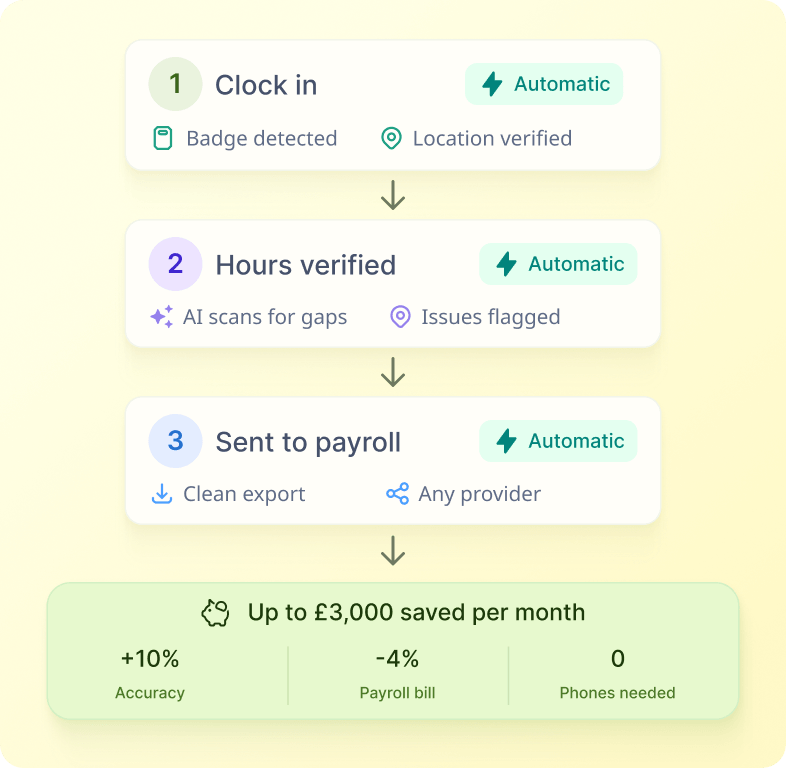
How it works
Use it when weekly working-time collection needs more structure than a simple daily request, including projects, breaks, rates, comments or a payroll review stage.
Receive Forms session
Employees receive a Weekly Timesheet Forms session.
Record and save draft
They record configured working-time details and can save progress as a draft.
Auto-approve or route
The workflow either auto-approves the submission or routes it to a manager.
Manager review
Managers can approve, decline or return a timesheet for changes when manager approval is enabled.
Payroll summary
Approved timesheets can optionally be collected into a monthly payroll summary.
Store records
Completed records are stored on the employee's Timesheets screen in Sense HR.
See this workflow running
Book a 20-minute Automate demo and we'll walk through real Library workflows on real customer data shapes that match yours.